A simple photo can become a beautiful Instagram Reel when you combine it with the right transitions, music, and editing effects! The Instagram Viral Trend featuring cute transition videos is a fun way to turn ordinary pictures and short clips into eye-catching content without spending hours editing.
The Trending Cute Transition CapCut Template makes this process easier, especially for beginners who want to create aesthetic videos for Instagram Reels, YouTube Shorts, and other social media platforms. Instead of manually adjusting every transition, you can use a ready-made editing template and replace its sample media with your own pictures or videos.
In this guide, you will learn what makes this editing trend popular, how to use the CapCut template, how to create a similar effect in VN Editor, and which editing techniques can make your final video look better.
What Is the Trending Cute Transition CapCut Template?
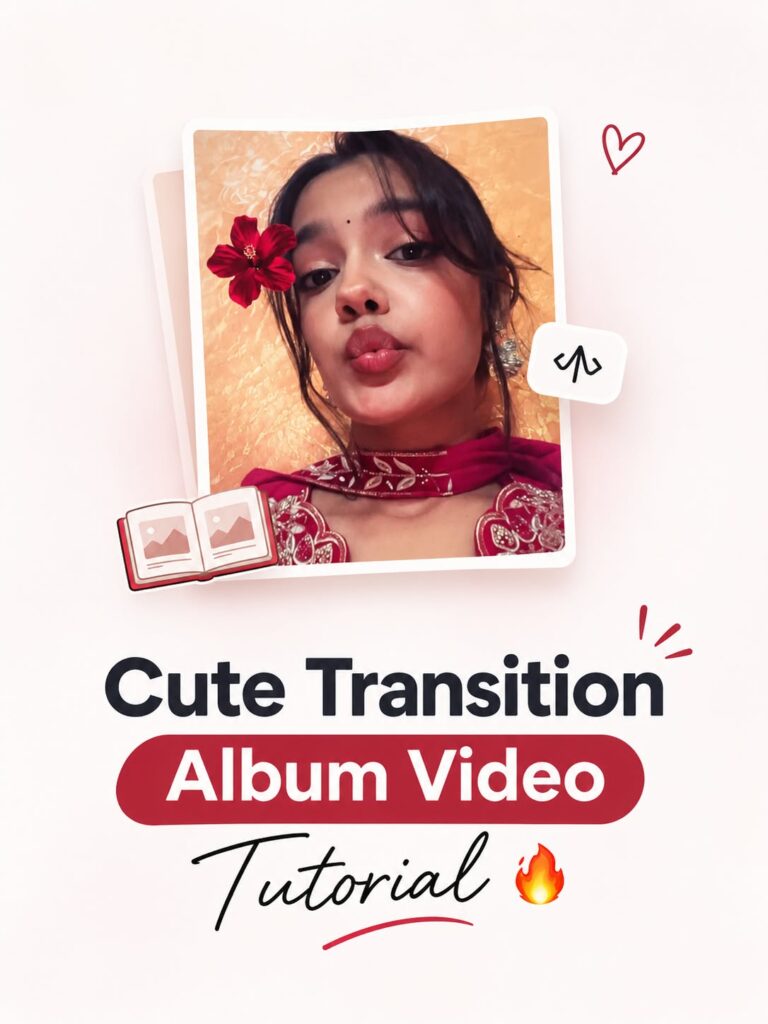
The Cute Transition CapCut Template is a pre-designed video editing format that combines multiple photos or video clips with animated transitions, music, and visual effects. It helps creators produce attractive short-form videos without manually building every part of the edit.
The main attraction is the smooth change between different poses, expressions, and pictures. Depending on the template, you may see zoom transitions, flash effects, soft blur, motion animations, or beat-synced photo changes.
What Type of Photos Work Best?
You can use different types of pictures depending on the mood you want to create. Some popular choices include:
- Cute selfies with natural expressions.
- Mirror selfies with different poses.
- Couple pictures and romantic memories.
- Best-friend photos and friendship moments.
- Aesthetic portraits with beautiful backgrounds.
For a better result, choose pictures with good lighting and clear faces. Vertical photos are especially useful because Instagram Reels generally use a 9:16 screen format.
Why Should You Try This Editing Style?
This editing style is suitable for people who enjoy creating short videos but don’t have advanced editing experience. The preset timing and transitions help maintain a consistent visual flow, while the music adds personality to the final video.
Why Is This Instagram Viral Trend So Popular?
One reason this Instagram Viral Trend attracts attention is its simple editing style. A creator can combine ordinary pictures with attractive animations and create something that feels more interesting than a regular photo slideshow.
Visual storytelling is another important part of this trend. Each picture can show a different mood, expression, or memory, allowing viewers to understand the video’s theme without reading lengthy captions.
The Role of Music and Transitions
Music plays an important role in short-form video editing. When transitions match the beat of a song, the video feels more organised and enjoyable to watch.
You can experiment with different effects, including:
- Zoom-in and zoom-out transitions.
- Soft blur and flash effects.
- Slow-motion animations.
- Beat-synced photo changes.
- Smooth camera movement effects.
CapCut also provides transition options such as Zoom, Blur, Warp, Flare, Spin, and Glitch in its Instagram transition editing guide. The best choice depends on the mood of your video. CapCut +1
Is This Trend Suitable for Beginners?
Yes. You don’t need professional editing knowledge to create this type of video. A suitable template can handle most of the timing and animation, leaving you to select good pictures and make small adjustments.
How to Use the Cute Transition CapCut Template
Using a ready-made template is one of the easiest ways to participate in the Instagram Viral Trend. You can create your video directly from the CapCut mobile application if the selected template is available in your region.


Step-by-Step Editing Process
Step one: Open the CapCut application on your smartphone and visit the Templates section. Search for Cute Transition CapCut Template or browse similar aesthetic transition styles.
Step two: Select a template that matches your preferred editing style. Preview the original video before using it so you can understand its transitions, music, and photo requirements.
Step three: Tap the Use Template option and select your pictures or video clips from your gallery. Make sure you select the required number of media files in the correct order.
Step four: Preview the generated video and check whether the pictures fit properly inside each frame. Adjust cropping or replace any image that looks blurry or incorrectly positioned.
Step five: Export your finished video using an available high-quality resolution. You can then open Instagram, upload the video as a Reel, and add your preferred caption and hashtags.
What If the Template Link Is Not Working?
Sometimes a template may not open because its creator has removed it, the link has expired, or regional availability is limited. Updating the application and trying another official template link can help.
You can also create a similar edit manually instead of depending on one particular template.
How to Edit the Trend Using VN Editor
If you prefer VN Video Editor, you can create a similar Cute Transition video without using a CapCut template. VN provides timeline editing tools that allow you to arrange pictures, add music, adjust clip duration, and create transitions.


Create Your Own Transition Video
Start by opening VN Editor and creating a new project. Import the pictures you want to use and arrange them according to the order in which you want them to appear.
Next, add your preferred music and adjust the duration of each picture to match the rhythm. You can use the transition controls between clips to create smooth changes rather than allowing every picture to switch suddenly.
For a more attractive result, experiment with zoom animations, keyframes, and simple motion effects. Keep the transitions consistent so the video doesn’t feel overloaded with unnecessary effects.
Can You Use a VN Template Code?
Some VN editing creators share project codes or QR-based templates through their social media accounts. When available, you can scan the shared code using the supported VN workflow, select your own pictures, and apply the project.
The availability of these codes depends on the creator and the shared project. Always use trusted sources when downloading editing projects. Pictame +1
CapCut vs VN: Which Editing App Is Better?
Both applications are useful for creating Instagram Reels, but they offer different editing experiences. Your choice depends on whether you prefer ready-made templates or more control over individual editing elements.
| Feature | CapCut | VN Editor |
|---|---|---|
| Ready-made templates | Available | Creator-shared projects |
| Transitions | Wide selection | Manual transition tools |
| Timeline editing | Yes | Yes |
| Beginner-friendly | Yes | Yes |
| Manual adjustments | Available | Available |
When Should You Choose CapCut?
Choose CapCut when you want to create a quick video using a ready-made template. It is useful for creators who regularly participate in trending edits and want to save editing time.
When Should You Choose VN?
VN is a good option when you want more control over clip timing, music placement, and individual transitions. It also works well for creators who enjoy building their videos manually.
My recommendation: Use CapCut for quick template-based edits and VN when you want to experiment with your own editing ideas.
Tips to Make Your Cute Transition Video More Attractive
Using a template is only one part of creating an attractive Reel. The quality of your original pictures, music selection, and final export also affect the viewing experience.
Here are some practical editing tips you can follow:
Choose High-Quality Pictures
Always start with clear pictures that have good lighting. Avoid extremely dark images, excessive filters, or pictures with distracting backgrounds.
Match Transitions With Music
Try to align important transitions with the beats or changes in your selected audio. This creates a more natural rhythm and makes the video feel well-edited.
Avoid Too Many Effects
Adding multiple effects to every picture can make your video look confusing. Choose a consistent visual style and allow the pictures to remain the main attraction.
Use the Correct Video Resolution
For Instagram Reels, a vertical 9:16 format is a suitable choice. Exporting at 1080p can provide good clarity for most social media uploads, provided your original pictures and clips have sufficient quality.
Write an Interesting Caption
Your caption should match the mood of your video. You can use a short, friendly line instead of writing a long description.
For example:
- Little moments, beautiful memories. 🩷
- Just a little cuteness in every frame.
- Some pictures deserve their own transition.
- Making memories look even prettier.
Remember that a good edit can improve presentation, but no particular template guarantees viral views. Content quality, audience interest, and viewer engagement also matter.
5. Frequently Asked Questions
What Is the Cute Transition CapCut Template?
It is a ready-made video editing template that combines pictures or video clips with cute animations, transitions, and music. You can replace the sample media with your own pictures and create an aesthetic Reel.
How Do I Use the Trending Cute Transition CapCut Template?
Open CapCut and search for the Cute Transition template in the Templates section. Select your favourite design, tap Use Template, add your pictures, preview the result, and export your video.
Why Is the Cute Transition Editing Style Popular on Instagram?
This editing style makes ordinary pictures more visually interesting through smooth transitions and music. It is also beginner-friendly, making it useful for creators who want to produce attractive Reels without advanced editing skills.
Can I Create a Cute Transition Video Without CapCut?
Yes. You can use VN Video Editor to arrange pictures, add music, adjust clip timing, and apply transitions manually. Other video editing applications with timeline and transition features can also produce similar results.
Is CapCut Better Than VN for Instagram Reels?
CapCut is useful for quick template-based editing, while VN provides more manual control over your timeline and transitions. Neither application is better for every situation; choose according to your editing requirements.
Can I Use My Own Photos in a CapCut Template?
Yes. Most editable CapCut templates allow you to replace sample pictures and clips with your own media. Select images that match the required slots and check their positioning before exporting.
What Is the Best Resolution for Instagram Transition Videos?
A 1080 × 1920 pixel video with a 9:16 aspect ratio is a suitable export choice for Instagram Reels. Use clear original pictures to maintain good visual quality.
Does Using a Trending CapCut Template Guarantee Viral Views?
No. A trending template can help you create attractive content, but it cannot guarantee views or engagement. Your video concept, music, opening seconds, and audience interest also play important roles.
6. Conclusion
The Instagram Viral Trend featuring the Trending Cute Transition CapCut Template is a fun editing style for turning ordinary pictures into attractive Instagram Reels. Whether you choose CapCut for quick templates or VN for manual editing, focus on clear pictures, smooth transitions, and music that matches your video’s mood.
Ready to try this trend? Pick your favourite pictures, create your cute transition video, and share your finished edit on Instagram!
SEO note: The article uses related editing searches and practical tutorial guidance. Individual template availability and app features may change over time.